
- A new Reviewed today screen lists the cards you have reviewed today, grouped by deck and ordered so the most recently reviewed deck comes first.
- Open it from the More menu. It is a read-only recap — a nudge to use today’s words, not another place to study.
- A new Search screen finds cards by a word or phrase across all your decks at once — your own and the ones you follow — and lets you edit them in place. Open it from the top of the More menu.
See What You Reviewed Today
Open the More menu and you will find a new Reviewed today screen. It gathers the cards you have reviewed since the start of the day and groups them by deck. The deck holding your most recent review sits at the top, and within each deck the newest reviews come first.
Each card shows its front. Tap a card to reveal the back when you want to check yourself - but the idea is not to study again, it is to remember what you covered today and to use those words while they are fresh. A short line at the top says as much: try to use them in a sentence, out loud or in writing, before the day ends.
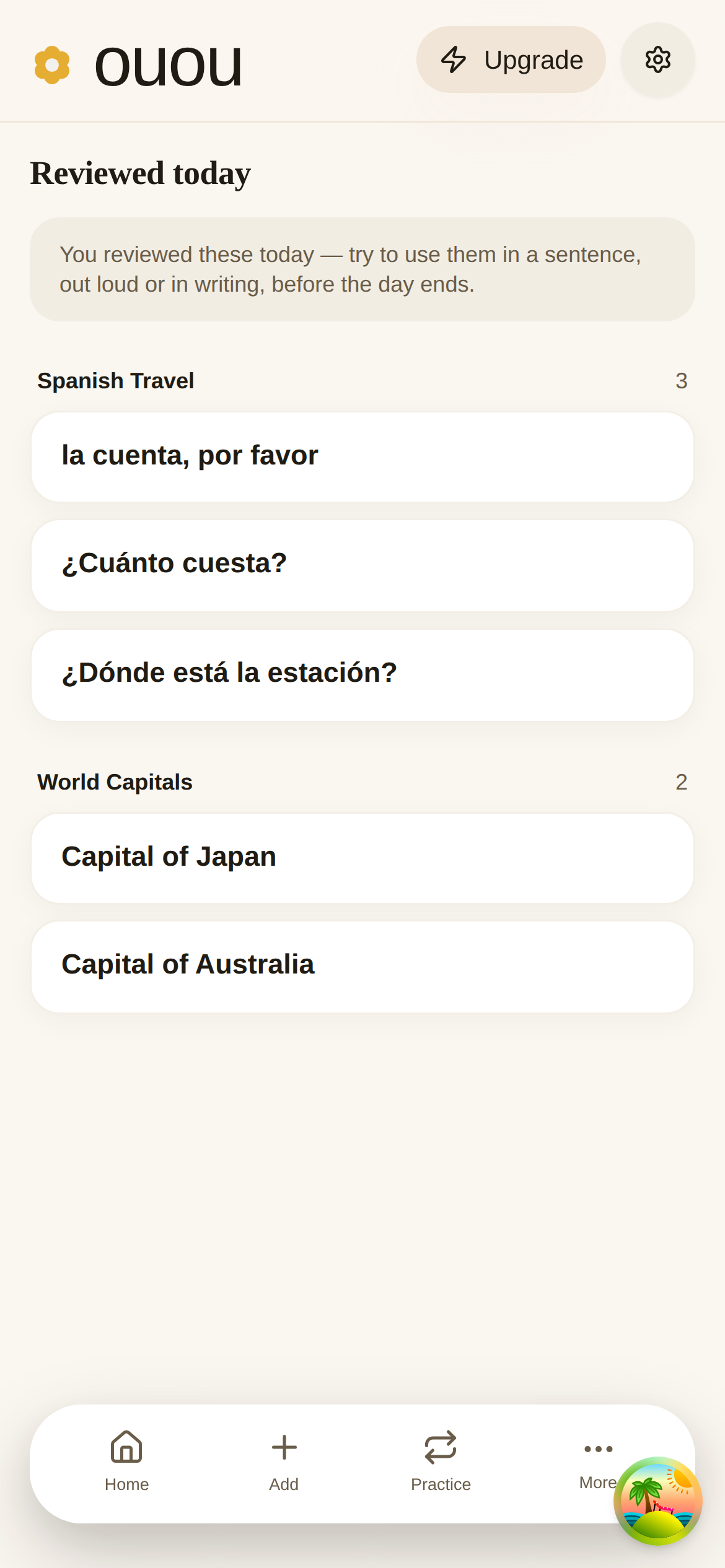
If you have not reviewed anything yet, the screen still greets you with that prompt and an invitation to start a session. Everything here is computed on your device from review activity that already lives there, so it works offline like the rest of ouou.
Search Cards Across All Your Decks
As your library grows, remembering which deck a card lives in gets harder. The new Search screen removes the guesswork. Open the More menu — it is the first item — type a word or phrase, and ouou looks through the fronts and backs of every card you have: your own decks, the decks you have published, and the decks you follow.
Results appear as you type, ranked so the closest matches come first. Each row shows the card and, above it, the deck it belongs to. Tap that deck name to jump straight into the deck. Cards from your own decks can be edited, deleted, or moved to another deck right from the results, exactly as they can in the deck view; cards from decks you follow are shown read-only.
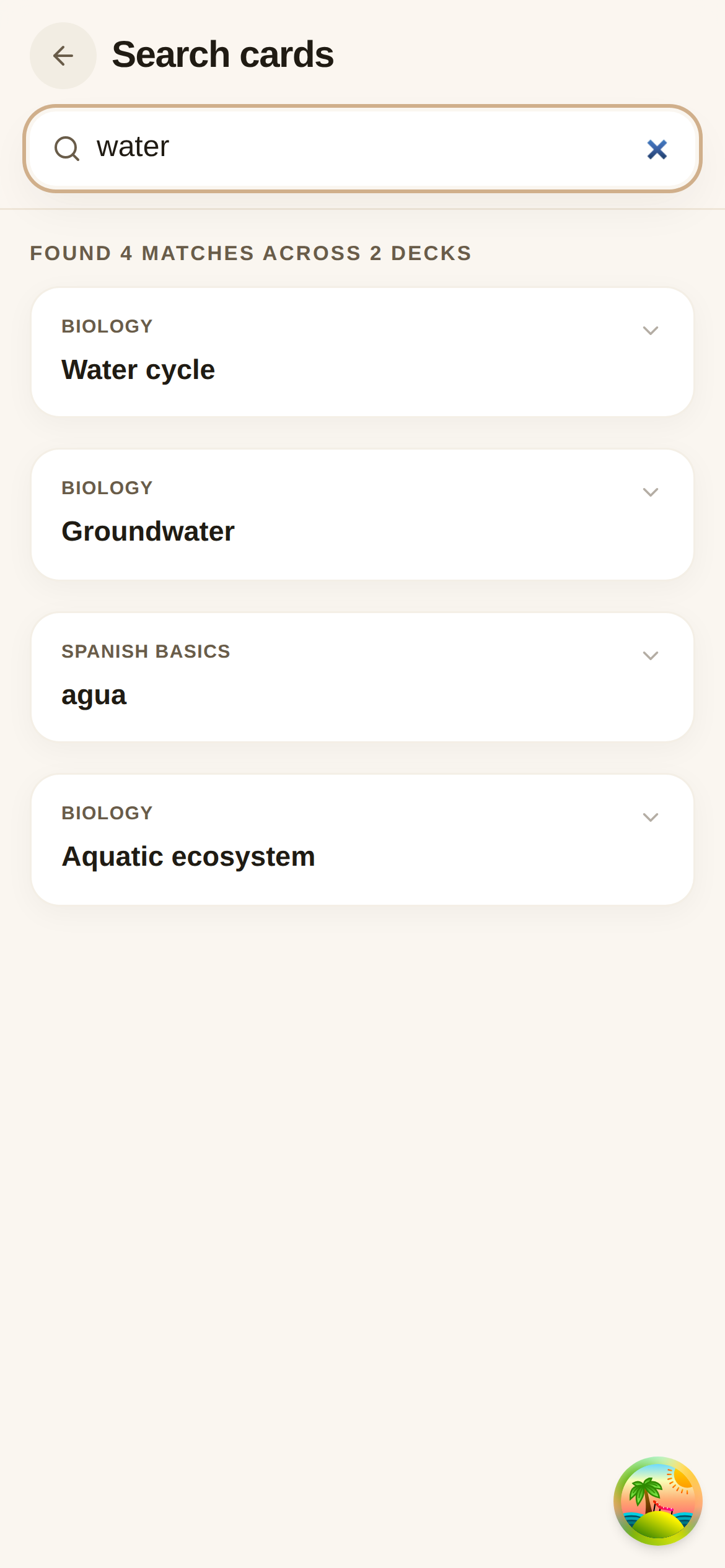
Search reads only what is already on your device, so it works offline like the rest of ouou, and the search box remembers your last query in the address bar — handy if you want to bookmark or share a particular search.
Also This Month: Quick Session, Reimagined
Quick Session now opens on the reviews you owe today — the words already in your head — and keeps adding new cards a clear step behind. New here, you get a Start learning welcome instead of a false “all caught up”; done for the day, you can Cram through your whole library without touching your schedule. The full story is in A Quick Session that leads with what you already know.
Live now: a Reviewed today recap that groups the day’s reviewed cards by deck, and a Search screen that finds any card across all your decks in a few keystrokes. Both live in the More menu — and Quick Session now leads with the reviews you owe today.