
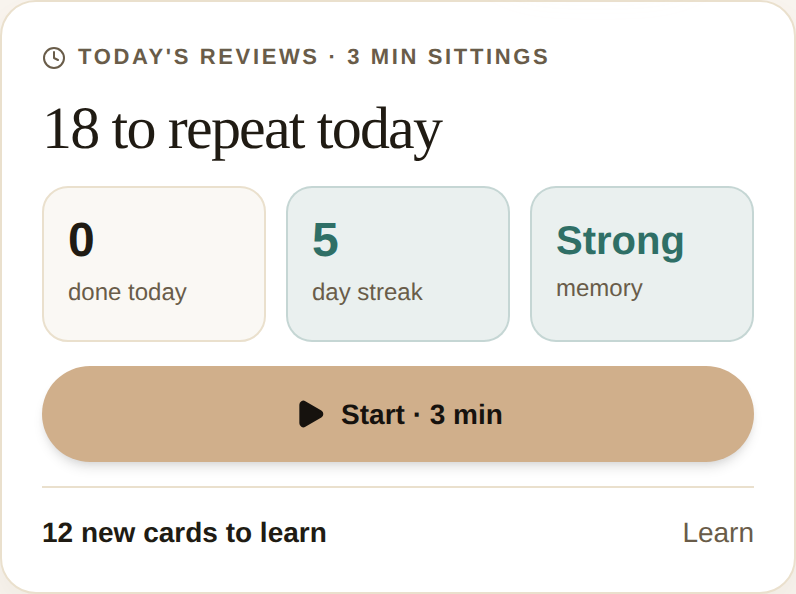
- Quick Session now leads with one honest number: how many cards you have to repeat today — due by the end of the day, so the count is steady and only goes down as you clear it.
- New cards to learn are a separate number, shown quietly beneath — never added into your review count. Reviewing what you already know comes first; adding more comes second.
- Chip the day down in short 3-minute sittings; the button tells you the timebox before you tap.
- Brand-new here? You now get a “Start learning” invitation instead of a confusing “all caught up” for reviews you never did.
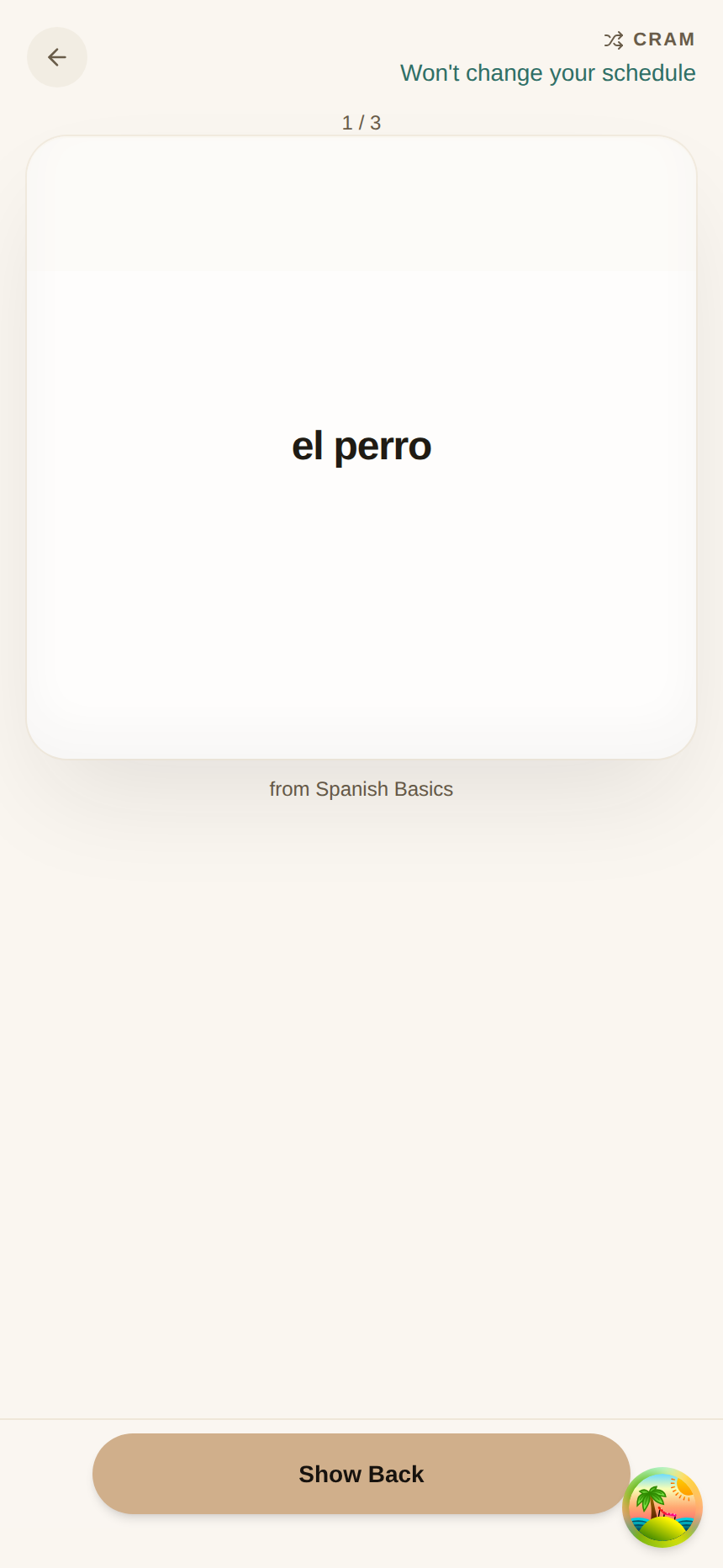
- Done for the day but want to keep going? Cram shuffles your whole library and changes nothing — no due dates, no streak, no rating buttons.
The point of a review app is to keep what you have
It is easy to feel productive by adding cards. It is much more useful to keep the ones you already made. So Quick Session now opens on that: the words already in your head that are ready to be strengthened today.
The banner leads with a single number — N to repeat today — and one button to begin. That is the job. Everything else waits its turn.
Two numbers, never added together
Your reviews and your new cards are different kinds of work, so ouou keeps them as two separate numbers and never sums them into one intimidating total:
- To repeat today — the cards you have seen before that are due by the end of today. This owns the headline and the Start button.
- New cards to learn — cards you have never seen. They sit in a quiet row beneath the button, because learning a new card adds it to your future schedule. Worth doing — after today’s reviews.
Because “today” means by the end of the day, the number is steady from the moment you wake up. It does not creep upward through the morning as cards tip over their due time; it just goes down as you clear them.
Reviewing what you already know comes first; adding new cards comes second. That order is the whole change.
Do it in short sittings
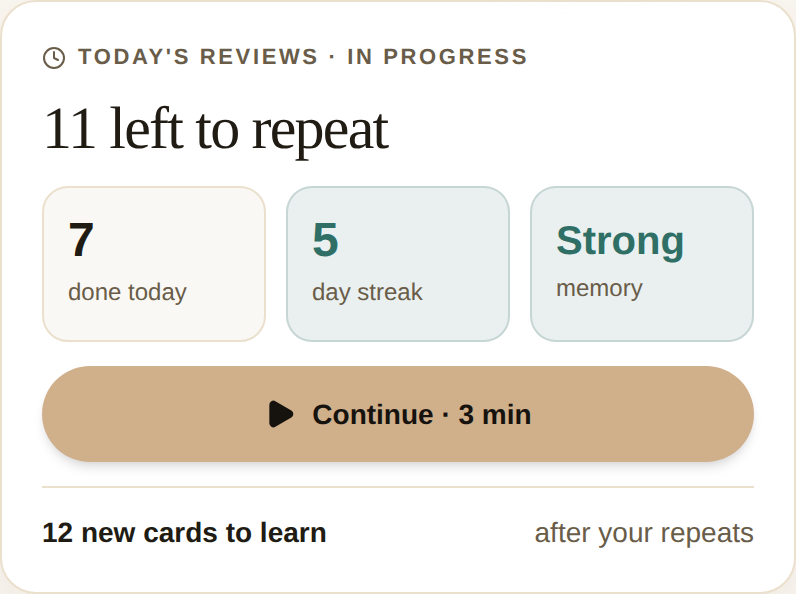
A Quick Session is a fixed 3-minute timebox, and the button says so — Start · 3 min. Come back later and it reads Continue · 3 min, with the headline now showing how many you have left to repeat. You are never asked to clear a hundred cards in one sitting; you chip the day down a few minutes at a time.
A first day that makes sense
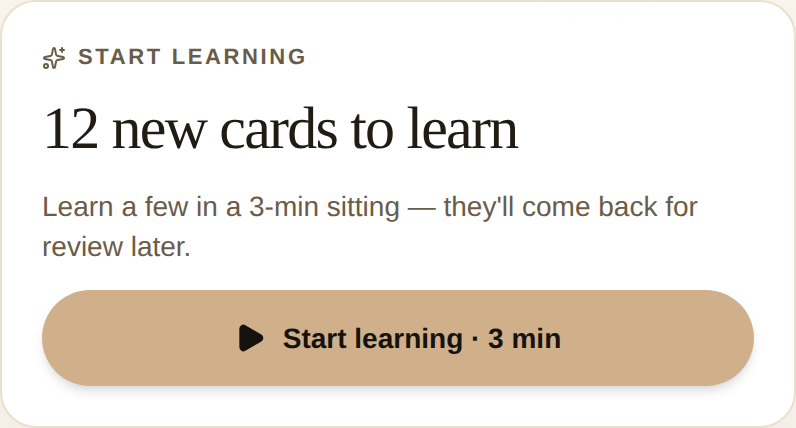
If you have just added your first cards and never reviewed anything, ouou used to tell you that you were “all caught up on reviews” — reviews you had never done. That was confusing, and it is gone.
Now a brand-new library greets you with Start learning and the count of new cards waiting. It is an invitation to begin, not a false finish line.
When you are genuinely done
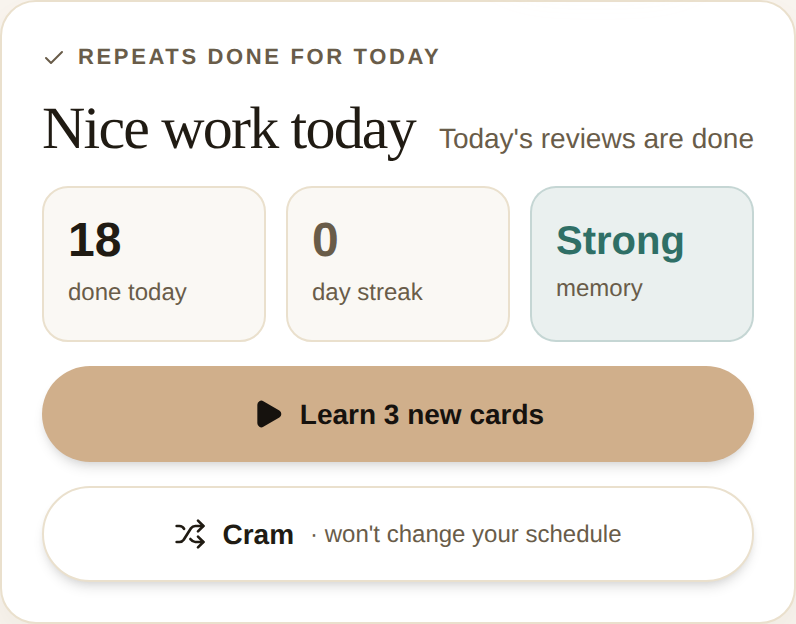
Clear the day’s reviews and the banner celebrates it, then offers two optional next steps — clearly labeled, never pushed: Learn new cards, and Cram. And when there is nothing due and nothing new, it settles into a calm All caught up — still with the option to Cram, but no review to start, so a stray tap can never drop you into an empty session.
Cram: keep going without touching your schedule
Some days you finish your reviews and still want to keep going. Cram is for exactly that. It shuffles your whole library and lets you flip through as many cards as you like — and it changes nothing. No due dates move, your day streak is untouched, and none of it counts as a review.
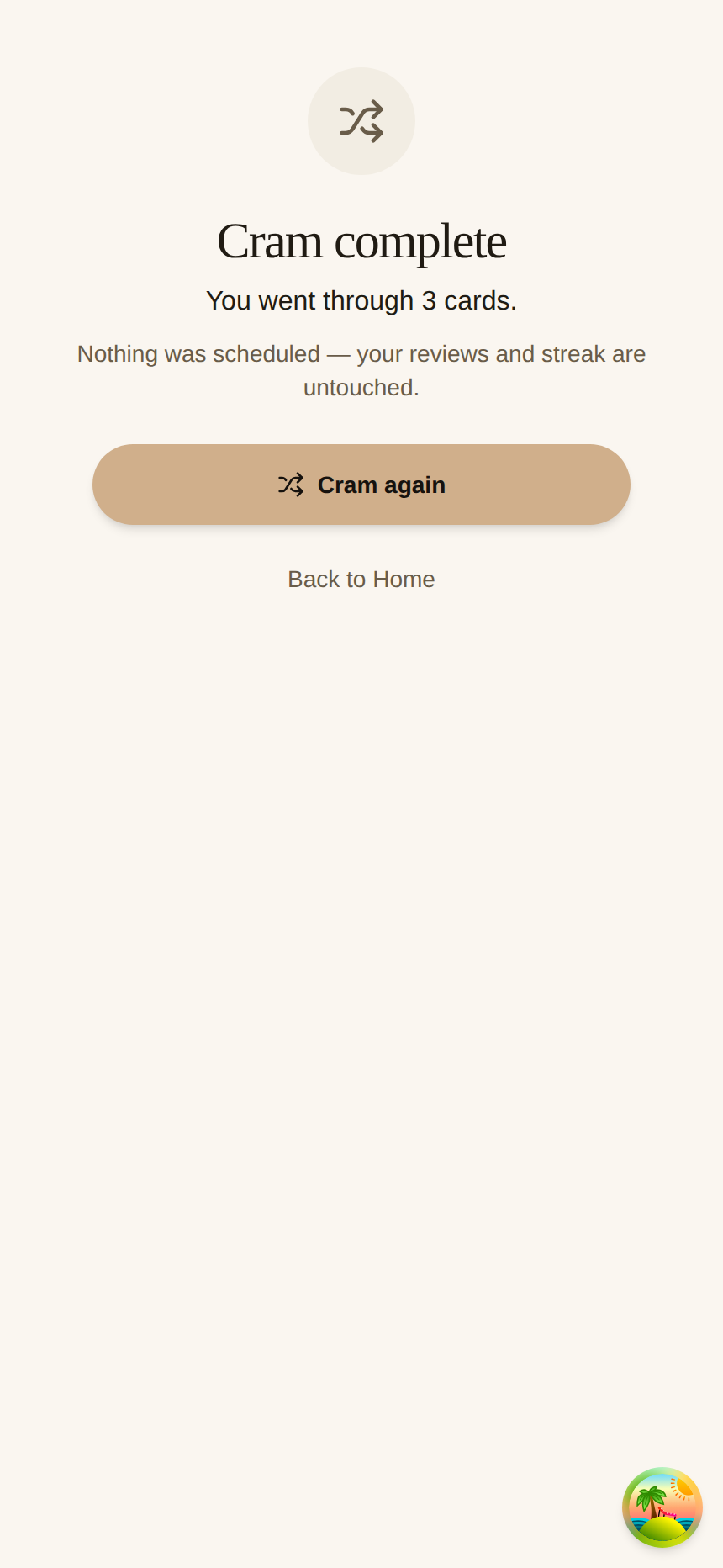
Because nothing is being scheduled, Cram deliberately has no rating buttons — you just flip a card and move to the next. The header says it plainly: won’t change your schedule. When you have been through the pile once, you can shuffle and go again, or head home.
When you finish a pass, the close makes the promise again — nothing was scheduled, your reviews and streak are untouched — and offers another shuffle.
Everything here is computed on your device from data that already lives there, so it works offline like the rest of ouou.
Quick Session now leads with the reviews you owe today and keeps new cards a clear step behind — because a review app earns its keep by helping you hold on to what you already know, not by talking you into adding more.