
- I carry a Kindle everywhere and look up every unfamiliar word I read.
- Kindle’s Vocabulary Builder collects those lookups into one page.
- I photograph that page into ouou’s Quick Add and get flashcards back.
- The same page gets re-photographed over time, so the same words came back as new cards.
- Quick Add now flags the ones I already have, right in the preview, before I add them.
A Kindle in Every Bag
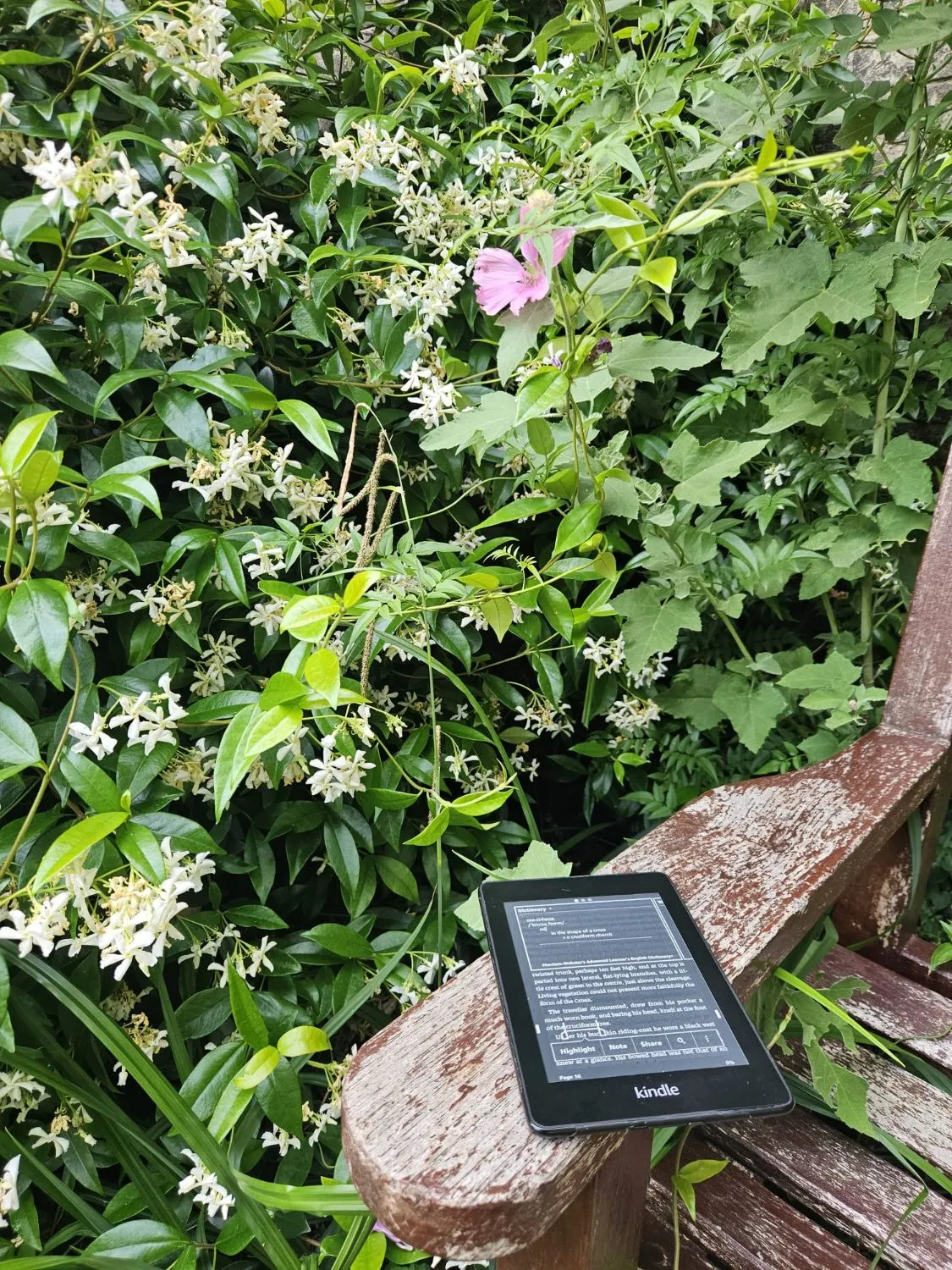
I read on a Kindle, and it goes wherever I go - on a bench, on a train, in the garden. I keep notes in it too: where I was, what I felt about the place, not just the book. What keeps me on Kindle over anything else is the built-in dictionary. Tap a word, get the definition, keep reading. No app switch, no losing the sentence.
That habit is also how I learn English vocabulary. Every word I look up gets saved to a page Kindle calls the Vocabulary Builder - a running list of everything I didn’t know.
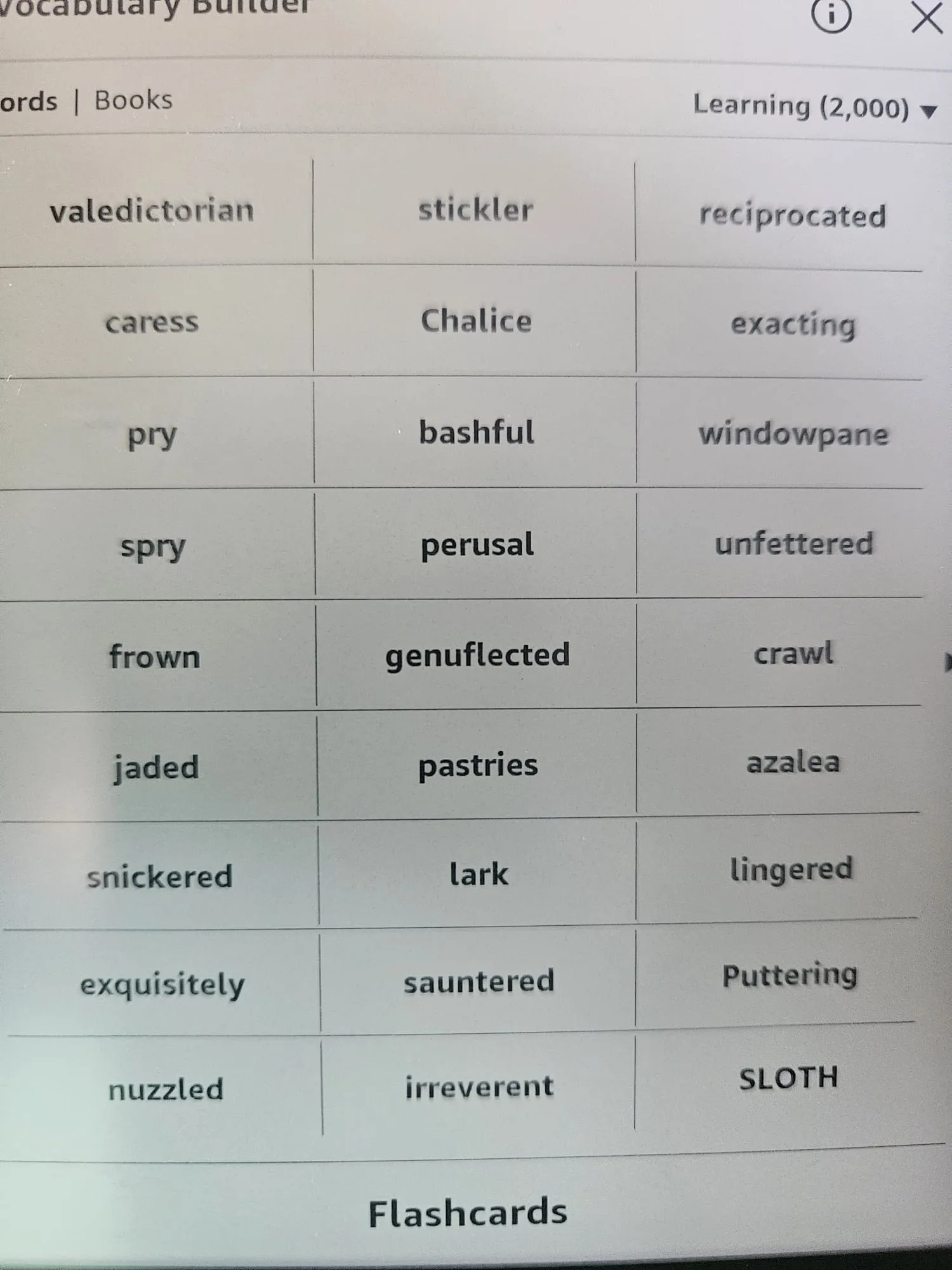
Words like valedictorian, stickler, reciprocated, genuflected. Not words I’d plan to study. Words I actually needed, mid-sentence, to keep reading.
From Kindle Page to Flashcards
Periodically I open that page, take a photo, and drop it into ouou’s Quick Add. Quick Add reads the photo and turns each word into a card - front and back, ready to review.
I set my deck to Ukrainian, my native language, to English. Quick Add uses that to build richer cards: the Ukrainian word on the front, the English term with pronunciation, a short definition, and an example sentence on the back.
The word list keeps growing, but I don’t always remember which words I already turned into cards. Photograph the same page a few weeks later and some of those words are the same ones - I’d add duplicates of cards already sitting in my deck.
Duplicates, Caught Before They’re Added
Quick Add now checks the batch it just generated against the deck I’m adding to. If a generated card looks like one I already have, the preview shows a small banner - “N of M cards look like a duplicate” - with a pill under each flagged card. Tap the pill to see the match, tap Review to filter down to just the flagged ones.
Nothing is blocked or removed automatically. I still decide what to keep. It just means I can photograph the same Vocabulary Builder page as often as I want and trust that Quick Add will point out what’s already in my deck, instead of me spotting it days later during review.
This is how I actually use ouou - a Kindle habit turned into a study habit. Duplicate detection in Quick Add is live now; no setup needed.